7 Benefits of Smart Lock Installation for Businesses
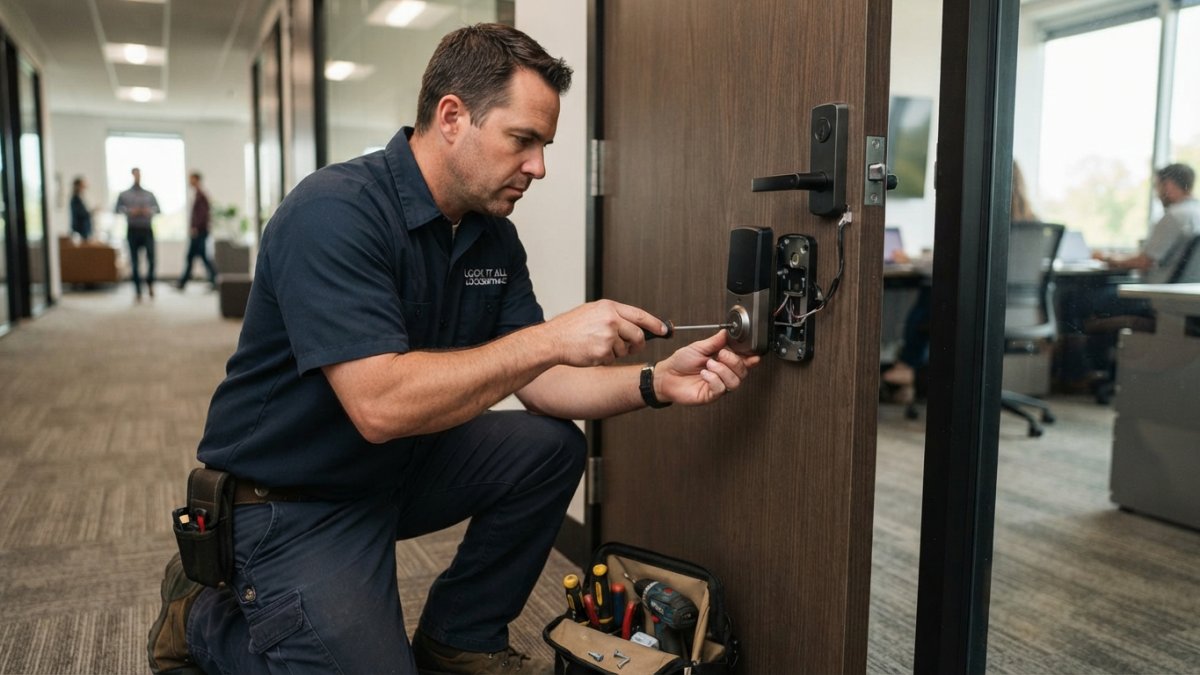
Smart lock installation gives your business keyless entry and audit trails. See the 7 benefits and how they compare to traditional locks.
Last Updated: October 25, 2026
Quick Summary
Smart lock installation replaces mechanical door hardware with connected electronic locking systems controlled, monitored, and audited from a phone or computer. It gives businesses keyless entry, remote locking, individual access codes, entry notifications, and a timestamped audit trail, while cutting rekeying costs and shrinking access revocation time from days or weeks to minutes.
- A smart lock answers who entered, when, through which door, with what credential, and whether it can be revoked now.
- Assigning one shared code to a whole team defeats the audit trail, just like a master key.
- Commercial locks usually run on wired power with battery backup; residential locks live on batteries alone.
- Ask every vendor for a three-year total cost of ownership quote, not a per-door price.
- Plan emergency access with a mechanical override, backup key, or documented procedure for battery and network failures.
Table of Contents
- Why Smart Lock Installation Changes How a Business Manages Access
- Keyless Entry, Remote Locking, and Mobile App Control
- Access Codes, Permissions, and Temporary Access for Staff and Visitors
- Entry Notifications, Access History, and the Audit Trail
- Commercial Smart Locks: What Separates Them From Residential Models
- Business Access Control Systems: Workflows, Integration, and Scale
- Smart Lock Installation Cost and Total Cost of Ownership
- Smart Locks vs. Traditional Locks for Businesses
- Frequently Asked Questions
Why Smart Lock Installation Changes How a Business Manages Access
Smart lock installation replaces mechanical door hardware with connected, electronic locking systems controlled, monitored, and audited from a phone or computer.
A traditional lock answers one question: does this key turn? A smart lock answers five: who entered, when, through which door, with what credential, and can that credential be revoked right now. That difference turns a lock into an access management system.
Below are the benefits that matter most for businesses, plus the costs, risks, and failure modes generic guides skip. For a broader overview of security solutions for homes, businesses, and vehicles, including GPS tracking, access control, smart locks, and fleet management, see the full guide.
Keyless Entry, Remote Locking, and Mobile App Control
The most immediate benefit: no one has to be on site to let someone in. A manager can unlock a delivery door from a phone, confirm it latched, and lock it again remotely.
Keyless entry removes the physical key from daily operations. Staff use a passcode, key fob, RFID card, or fingerprint.
A common mistake is buying a lock with a great app but no offline fallback. If the network drops, staff still need a way in.
Access Codes, Permissions, and Temporary Access for Staff and Visitors
Access codes are the workhorse of commercial smart locks: each person gets a unique credential with its own schedule and scope.
That solves a problem physical keys create: with one master key, you cannot tell who used it; with individual access, you can.
- Employee access: permanent codes, restricted to their shift hours and their building
- Temporary access: cleaner codes that expire automatically after a set window
- Visitor access: one-time codes sent by text, dead on arrival after use
Watch out: assigning one shared code to a whole team defeats the audit trail. If everyone uses the same number, you have the same blind spot as a master key.
Entry Notifications, Access History, and the Audit Trail
Entry notifications tell you a door opened; access history tells you who opened it; the audit trail turns both into a usable record. Every unlock, failed attempt, and forced entry generates a timestamped event pushed to a phone or dashboard, and door status alerts flag a door left propped open. When something goes missing, you pull the activity log instead of interviewing the whole staff.
Commercial Smart Locks: What Separates Them From Residential Models
Commercial smart locks are built for traffic, not convenience.
Residential models assume one door, a few users, and a homeowner who can troubleshoot. Commercial units handle dozens of credentials, higher cycle counts, and integration with existing access control, and support multiple access methods so a failed reader does not lock out the building.
Door compatibility matters more than most buyers expect: storefront glass, aluminum frames, and heavy fire-rated doors need specific hardware, and a lock that fits a wood residential door will not fit a commercial glass entry.
Business Access Control Systems: Workflows, Integration, and Scale
Business access control systems connect locks to the rest of your operations. The real return shows up in the workflows the system enforces consistently across every door and site.
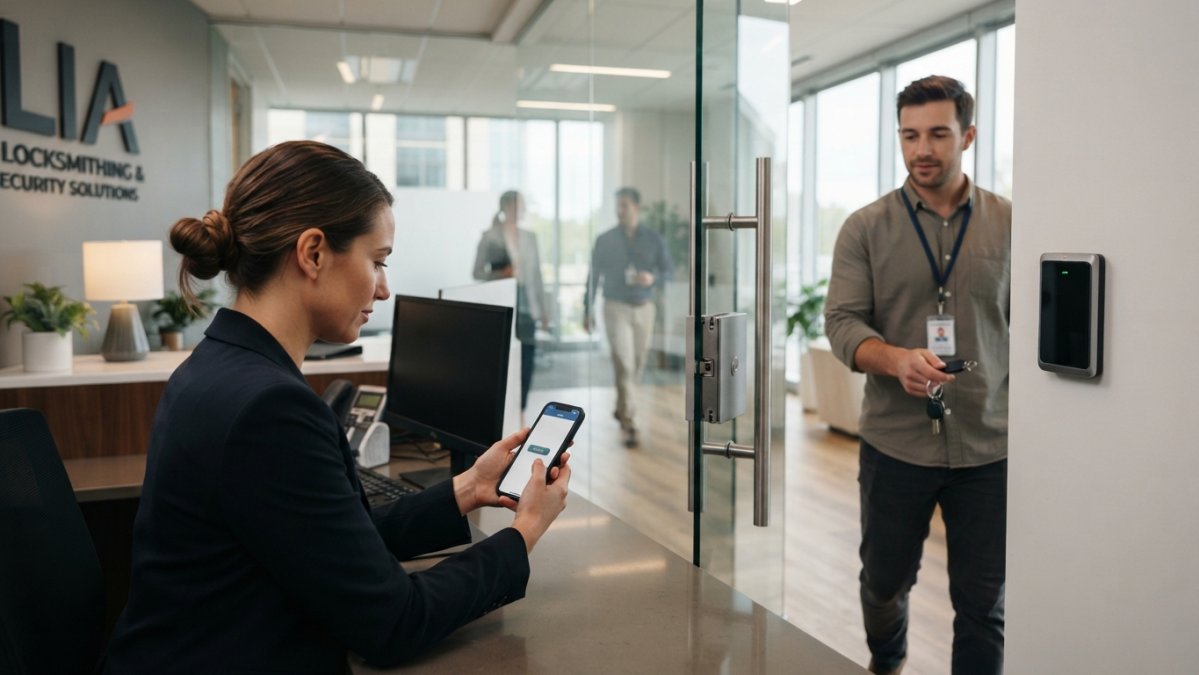
Role-based access: the structure that makes everything else work
Most commercial smart lock platforms organize permissions around roles rather than individuals, a bundle of doors, schedules, and credential types. Common roles:
- Full-time employee: primary entrances, department floor, break room, during scheduled shift plus a buffer window
- Shift or part-time worker: same doors, but scoped to the specific shift block so a 6 a.m. to 2 p.m. employee cannot badge in at 11 p.m.
- Manager or keyholder: all standard doors plus mechanical override access and the ability to grant temporary credentials
Assigning people to roles instead of doors makes changes scale: a new hire inherits the correct access automatically, a promotion moves them to a manager role and drops the old permissions, and a termination revokes every door they touched in one action.
The offboarding sequence that actually closes the gap
A common failure pattern: the employee is removed from the door system but stays active in the mobile app, or their fob is deactivated but their PIN still works on the back door. A defensible offboarding sequence:
- HR or the manager triggers termination in the access platform, not just payroll
- All credentials tied to that identity are revoked, PIN, fob, card, mobile key, and any temporary codes they created
- The audit log is exported for the final pay period in case of dispute
- Any shared credentials they had visibility into are rotated
- The revocation is confirmed in writing to the manager
Practitioners who run this well report revocation time, the gap between termination and confirmed loss of access, drops from days or weeks under a key system to minutes under a managed platform.
Contractor, vendor, and temporary access workflows
The highest-risk credentials in most buildings go to non-employees. Smart locks handle this better than keys if you build the workflow:
- Time-boxed credentials: a contractor code that activates at 8 a.m. and expires at 5 p.m. the same day, with no ability to extend
- Single-door scope: the vendor can open the loading dock but not the server room
- Escorted access: the credential only works when a manager credential has already unlocked an interior door within the last few minutes
Integration: what connects, what breaks, and what to verify
Integration either multiplies a smart lock's value or creates a maintenance burden. Commonly connected systems:
- Alarm panels: a forced-door event triggers the alarm zone rather than sitting in a separate app
- Camera systems: an unlock event tags the corresponding video clip so the audit trail includes footage
- Time and attendance: clock-in events pull from the door reader instead of a separate kiosk
Verify three things before committing: whether it is native or needs a middleware subscription, what happens to door function if the integration platform goes down, and whether the vendor supports your access platform's API version. A lock that depends on a cloud integration to open stops working when that cloud has an outage.
Multi-site rollout and maintenance at scale
A standardized platform pays off across multiple locations: the same role definitions, schedules, and audit format apply at every site, so a regional manager can review access activity portfolio-wide without learning a different system per building. Roll out in waves, one site, document the role structure, then replicate, and budget for firmware updates, credential reissuance, and quarterly access reviews.
Smart Lock Installation Cost and Total Cost of Ownership
Smart lock installation cost depends on door type, lock model, credential method, and whether the door needs wiring or frame modification. We do not quote flat prices because the variables are too wide; here is the cost framework to model the decision yourself.
The five cost buckets to price out
A complete business case has five buckets. Price each separately so you can compare quotes apples to apples.
- Hardware. Per-door cost varies widely by credential type (PIN only, PIN plus RFID, mobile credential, biometric), by door material (hollow metal, glass storefront, fire-rated), and by whether the lock is standalone or part of a networked controller. Standalone locks are cheaper per door; networked controllers cost more up front but reduce per-door cost at scale.
- Installation and door preparation. A retrofit on an existing door with standard prep is the low end. Frame modification, new wiring runs, electric strike replacement, and fire-rated door hardware push this up. Get the assessment in writing, the labor line is where quotes diverge most. Before hiring an installer, read this complete guide to locksmith services to learn what to expect and how to choose the right professional.
- Software and subscription. Many commercial platforms charge per door or per user per month, and some charge for integrations (camera, alarm, visitor management) as add-ons. Ask for the three-year subscription total, not the first-year promotional rate.
- Maintenance and service. Batteries, firmware updates, credential reissuance, and occasional hardware service. Wired locks with battery backup reduce battery labor; battery-only locks add a recurring replacement task.
- Network and power infrastructure. If the door has no power or network drop, that is a separate line item. PoE door controllers simplify this; older buildings may need a low-voltage run per door.
The traditional-lock costs businesses forget to count
The comparison that matters is total cost of ownership, not hardware price. Under a key system, recurring costs include:
- Rekeying after turnover. Every departed employee with a key is a rekey candidate. Businesses that rekey per termination pay it dozens of times a year; businesses that do not are carrying unquantified risk.
- Key duplication and replacement. Lost keys, broken keys, and the staff time to cut and distribute replacements.
- Locksmith calls for lost keys and lockouts. After-hours calls carry premium rates.
A transparent comparison framework
Use this table as a worksheet, not a price list. Fill in your own numbers per door and per year.
| Cost Factor | Traditional Locks | Smart Locks |
|---|---|---|
| Initial hardware (per door) | Lower | Higher |
| Installation and door prep | Lower | Higher, varies by door |
| Rekeying after turnover | Recurring per termination | Rare; credential revoked remotely |
| Key replacement and duplication | Recurring | Minimal |
| Staff time managing keys | Ongoing, often unbudgeted | Low after setup |
| Locksmith calls for lockouts | Recurring | Reduced with remote unlock |
| Software subscription | None | Possible per-door or per-user fee |
| Maintenance (batteries, firmware) | Minimal | Recurring |
| Audit trail | None | Built in |
| Access revocation time | Hours to weeks | Minutes |
How to build the ROI case
The return on a smart lock deployment comes from four measurable places, estimate each before you buy:
- Reduced rekeying spend. Multiply your annual rekey events by your average rekey cost per door.
- Reduced key-management labor. Estimate hours per week spent issuing, tracking, and chasing keys, then multiply by a loaded labor rate.
- Reduced lockout calls. Count after-hours lockout calls per year and the average cost per call.
If annual savings across those four lines exceed the annualized hardware, installation, subscription, and maintenance cost, the deployment pays for itself. If not, the case rests on risk reduction and operational control rather than direct savings, still legitimate, as long as you are honest about it.
Smart Locks vs. Traditional Locks for Businesses
Smart locks vs. traditional locks for businesses comes down to control versus simplicity. Traditional locks are cheap, reliable, and need no network.
Traditional hardware still wins in some cases. A back-of-house door with no network and one user does not need an app.
Emergency access is the honest caveat. If access fails anyway, know how to handle a business lockout emergency with immediate steps and safety protocols.
Cybersecurity deserves the same attention.
Frequently Asked Questions
Are smart door locks secure for businesses?
Business-grade smart locks use encrypted wireless communication, multi-factor authentication, and tamper alarms, which is generally stronger than a standard mechanical lock that anyone can pick or copy a key for. The weak point is usually setup, not hardware: shared passcodes, unchanged default admin credentials, and unpatched firmware cause most incidents. Change default codes on day one, give each employee an individual credential, and remove access the day someone leaves. A locksmith who handles commercial smart lock installation can confirm the lock meets your door type and traffic needs.
How much does smart lock installation cost for a business?
There is no single figure, because commercial smart lock installation cost depends on the number of doors, door material and hardware, whether wiring is needed, and how the locks connect to your network. A single suite entry differs sharply from a multi-door system with software. Get a written quote that separates hardware, labor, and any ongoing subscription. Lock it All Locksmithing does not publish flat prices because every commercial site is different; call 615-810-7304 for a quote based on your doors and access needs.
Can smart locks track who enters a business and when?
Yes. Every credential (passcode, fob, card, phone, or fingerprint) is tied to a specific user, so the lock logs each unlock with a timestamp and identity. That access history becomes an audit trail you can review after an incident, during a shift handover, or when investigating shrinkage. It also shows which doors are used and when, which helps you spot a propped door or an after-hours entry that should not have happened.
What happens if a smart lock loses power or its internet connection?
The lock keeps working. Most commercial smart locks run on batteries and store credentials on the device, so passcodes and fobs still open the door when Wi-Fi drops. You lose remote control and live notifications until the connection returns, but local access continues. When the battery runs low, the lock alerts you in advance. Keep a physical backup key or a mechanical override in a secure location, and plan emergency access before you need it, not during a lockout.

Why Nashville drivers choose Lock it All Locksmithing
We are a locally owned, licensed and insured mobile locksmith serving Nashville, Antioch, Brentwood, Franklin, Smyrna, La Vergne, Murfreesboro, Hermitage and Mt. Juliet. You speak directly with the technician who does the work, get an honest price before we dispatch, and we arrive in a fully stocked service vehicle so most jobs finish in a single visit — usually within 20 to 45 minutes of arriving. No towing, no dealership appointment, no surprise fees.
How the visit works
- Tell us the details: call, text or send the quote form with your vehicle's year, make and model, or a description of your lock problem.
- Get an exact price: we quote parts, cutting, programming and travel up front.
- We come to you: our mobile workshop meets you at home, work or roadside.
- Done on the spot: keys are cut, programmed and tested with you before we leave.
Areas we serve
Nashville, Antioch, Brentwood, Franklin, Smyrna, La Vergne, Murfreesboro, Hermitage and Mt. Juliet. If you're outside these areas, call 615-810-7304 to confirm whether we can help.
What our customers say
Best locksmith in town excellent service and great price !!
— Adrian Fiorito, 5 stars.Very wonderful service, strong quality, great prices, and it does not take long.
— George Yacoub, 5 stars.Great customer service - Professional - Fast Highly recommend.
— Jan Daoud, 5 stars.
Rated 5 stars across 100+ verified Google reviews. Call or text 615-810-7304 or email info@lia-locksmith.com.