How Do You Improve Commercial Building Security?
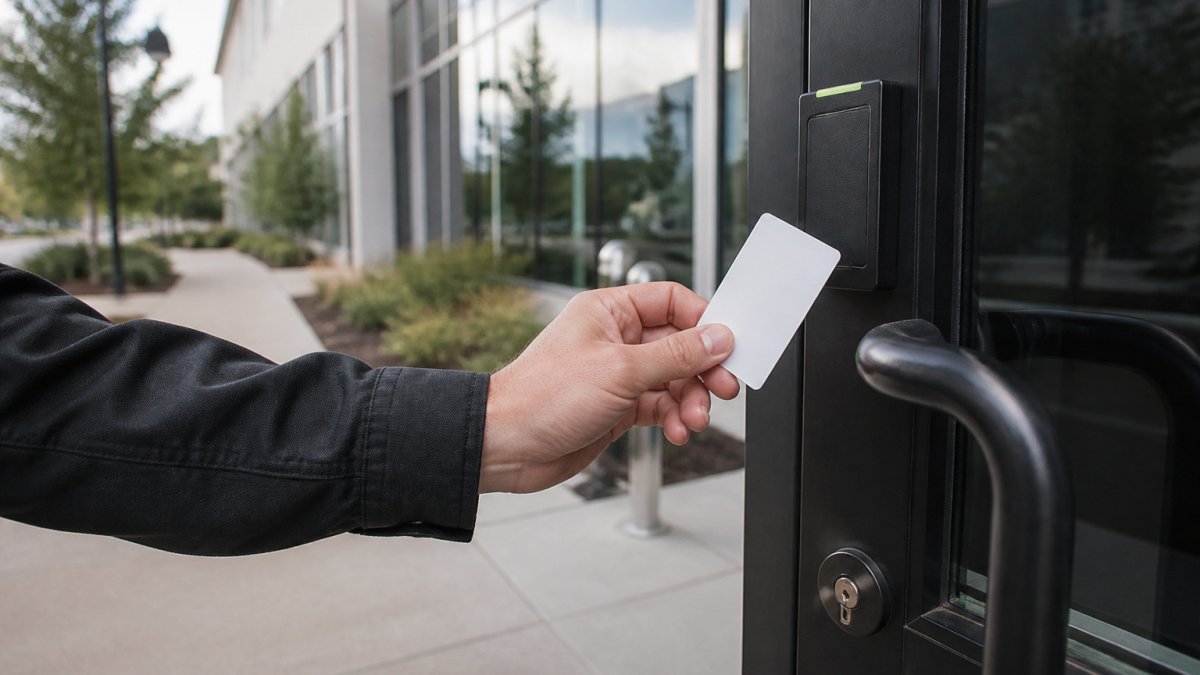
Improve commercial building security with a site risk assessment, access control, cameras, alarms, lighting and visitor rules. Follow these steps in order.
Last Updated: October 29, 2026
Quick Summary
To improve commercial building security, start with a walk-through assessment to find weak spots, then control entry with tracked access credentials. Add cameras and good lighting at entries and parking areas, and keep a routine checklist of lock, alarm, and footage reviews.
- Walk the perimeter and every entry door to note loose locks, dim lighting, and who holds keys.
- Fix the top three problems you find first to keep your budget focused.
- Give each person only the access they need, and remove credentials right away when someone leaves.
- Light all entries and parking areas so that cameras are more useful.
- Review camera footage and access logs weekly so problems are caught early.
Table of Contents
- Start With a Commercial Property Security Assessment
- Control Entry With Commercial Building Access Control
- Add Commercial Security Cameras and Lighting, Then Use a Business Security Checklist
- Frequently Asked Questions
Start With a Commercial Property Security Assessment
The fastest way to improve commercial building security is to find your weak spots first. A short walk-through of your property shows where the real risks are.
Walk the perimeter, every entry door, and any side or rear exits. Note which doors close fully, which locks feel loose, and where lighting is dim. Check who has keys and who can enter after hours.
A simple assessment often covers:
- Entry points: doors, windows, loading docks, and gates
- Lighting: parking areas, walkways, and building faces
- Access: who holds keys, cards, or codes
- Visibility: blind corners and areas hidden from view
Write down the top three problems you find. Fix those first. This keeps your budget focused where it matters most.
Control Entry With Commercial Building Access Control
Commercial building access control limits who can enter and when. It replaces loose key sharing with tracked credentials. Many businesses find that this is the single biggest step they can take.
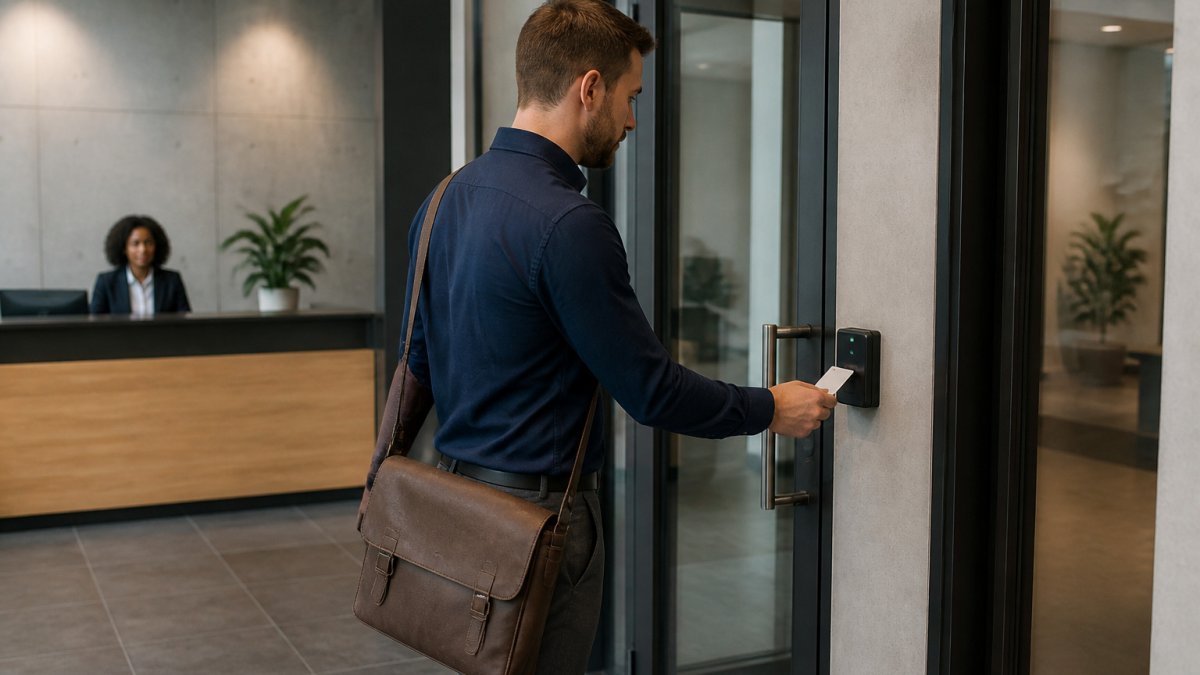
Start with your main entrances and any staff-only areas. Give each person only the access they need. When someone leaves, remove their credential right away.
Common options include:
- Keycard or fob readers
- Keypad or PIN entry
- Mobile credentials on smartphones
- Strong, rekeyed locks on interior doors
Review access logs regularly. They show who entered and when. Lock it All Locksmithing provides commercial access control and high-security lock installations, and you can explore our commercial security solutions to compare options.
Add Commercial Security Cameras and Lighting, Then Use a Business Security Checklist
Cameras and lighting work best together. Good lighting makes cameras more useful, and cameras deter problems in dark areas. Place cameras at entries, loading areas, and cash handling spots.
Use this checklist to stay on track:
- Light all entries and parking areas
- Cover every main door with a camera
- Test locks and alarms each month
- Update access lists when staff change
- Review camera footage and access logs weekly
Watch out: cameras that no one reviews offer little protection, so assign someone to check footage on a set schedule.
The checklist below turns these steps into routine tasks you can track.
| Task | Frequency | Purpose |
|---|---|---|
| Light all entries and parking areas | Ongoing | Makes cameras more useful |
| Cover every main door with a camera | Ongoing | Deters problems at entries |
| Test locks and alarms | Each month | Confirms they work |
| Update access lists | When staff change | Removes access for departed staff |
| Review camera footage and access logs | Weekly | Catches problems early |
Frequently Asked Questions
How can I improve security in a commercial building?
Start with a site assessment that lists every entry point, blind spot and after-hours risk. Then fix the weakest points first: reinforced door frames and quality locks, controlled access for employees and visitors, cameras covering entrances and parking, and lighting on all exterior paths. Monitored alarms add a response layer. Review the plan once a year, and again after any tenant change or break-in attempt.
How often should commercial building security systems be reviewed?
Review access logs and camera coverage at least quarterly, and run a full security assessment once a year. Also review the system after a tenant moves in or out, after staff turnover, after any incident, or when you add equipment. Check that cameras are recording, alarms are tested and credentials for former employees have been removed.

Why Nashville drivers choose Lock it All Locksmithing
We are a locally owned, licensed and insured mobile locksmith serving Nashville, Antioch, Brentwood, Franklin, Smyrna, La Vergne, Murfreesboro, Hermitage and Mt. Juliet. You speak directly with the technician who does the work, get an honest price before we dispatch, and we arrive in a fully stocked service vehicle so most jobs finish in a single visit — usually within 20 to 45 minutes of arriving. No towing, no dealership appointment, no surprise fees.
How the visit works
- Tell us the details: call, text or send the quote form with your vehicle's year, make and model, or a description of your lock problem.
- Get an exact price: we quote parts, cutting, programming and travel up front.
- We come to you: our mobile workshop meets you at home, work or roadside.
- Done on the spot: keys are cut, programmed and tested with you before we leave.
Areas we serve
Nashville, Antioch, Brentwood, Franklin, Smyrna, La Vergne, Murfreesboro, Hermitage and Mt. Juliet. If you're outside these areas, call 615-810-7304 to confirm whether we can help.
What our customers say
Best locksmith in town excellent service and great price !!
— Adrian Fiorito, 5 stars.Very wonderful service, strong quality, great prices, and it does not take long.
— George Yacoub, 5 stars.Great customer service - Professional - Fast Highly recommend.
— Jan Daoud, 5 stars.
Rated 5 stars across 100+ verified Google reviews. Call or text 615-810-7304 or email info@lia-locksmith.com.