Why You Should Upgrade Your Home Door Locks
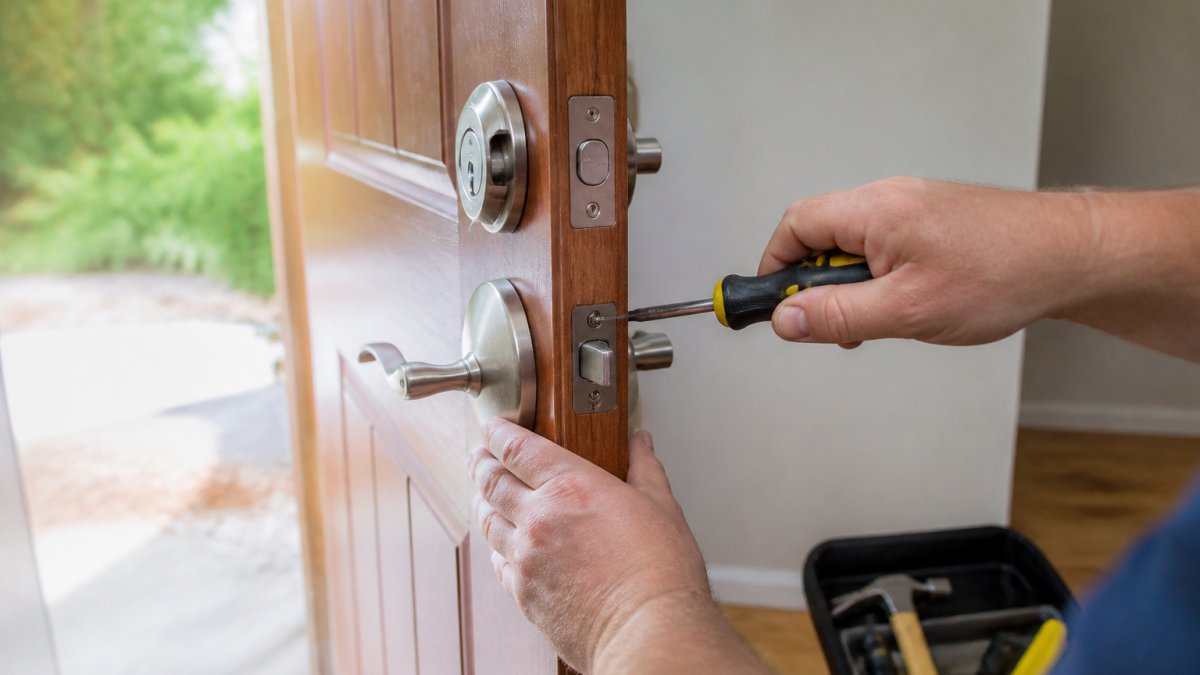
Upgrade your home door locks to improve security, prevent break-ins, and gain peace of mind. Learn when to replace or rekey locks and explore your options.
Table of Contents
- Why Upgrading Your Home Door Locks Matters
- Signs You Need to Change Your Door Locks
- Best Locks for Home Security
- Smart Lock Advantages and Disadvantages
- Rekeying vs. Replacing Locks
- Securing Your Door Frame and Hardware
- Taking Action: When to Upgrade
- Frequently Asked Questions
Last Updated: October 10, 2026
Why Upgrading Your Home Door Locks Matters
Understanding why you should upgrade your home door locks starts with recognizing that they are your first line of defense against unauthorized access. Aging or damaged locks significantly increase your risk of burglary, yet many homeowners focus on cameras and alarms while ignoring the mechanical barrier that matters most.
Why you should upgrade your home door locks goes beyond preventing break-ins. Modern locks offer better key control, resist picking and tampering far better than older models, and can add convenience through smart-lock technology. Upgrading transforms both security and peace of mind for homeowners across Tennessee.
The decision to upgrade comes down to three factors: your lock's age and condition, your security needs, and your lifestyle. A worn deadbolt is a vulnerability; a smart lock that grants temporary access codes is convenience. Both are valid reasons to act.
Signs You Need to Change Your Door Locks
A key that sticks, requires jiggling, or doesn't turn smoothly signals wear. Visible rust, corrosion, or discoloration means moisture has compromised internal mechanisms. Keys that break inside the lock or feel loose in the cylinder are immediate red flags.
If you've recently moved into a home, change your door locks regardless of condition. You don't know how many copies of the previous owner's keys exist. Rekeying or replacing locks eliminates this unknown security risk.
Forced entry attempts leave obvious damage: splintered wood, a bent strike plate, or scratches on the cylinder. Even if the lock still functions, replace it, internal components are likely damaged.
| Sign | What It Means | Action |
|---|---|---|
| Sticking or hard-turning key | Wear inside the cylinder | Rekey or replace |
| Rust or visible corrosion | Moisture damage to mechanisms | Replace lock |
| Key breaks in lock | Cylinder damage | Replace immediately |
| Recent move to new home | Unknown key distribution | Change locks |
| Visible forced-entry damage | Compromised lock integrity | Replace lock |
Best Locks for Home Security
The right lock depends on your door type, security level, and lifestyle. Deadbolts remain the gold standard because they extend deep into the door frame. High-security locks add anti-pick pins, reinforced cylinders, and restricted keyways. Understanding lock grades helps you choose based on real security.
Understanding Lock Grades and Security Standards
The American National Standards Institute (ANSI) certifies residential locks under three grades, each tested for resistance to forced entry, picking, and drilling:
Grade 3 is the baseline for residential locks, costing $15-$40. It's acceptable for interior doors but offers limited protection against determined intruders.
Grade 2 locks are the most common choice for exterior doors, costing $40-$100. They provide significantly better resistance to forced entry, picking, and drilling. A Grade 2 lock with a reinforced strike plate provides reliable security for most homeowners.
Grade 1 locks meet the highest residential security standards, costing $100-$300 for hardware plus $150-$250 for installation. Consider them for high-value homes, high-crime areas, or properties with valuable items.
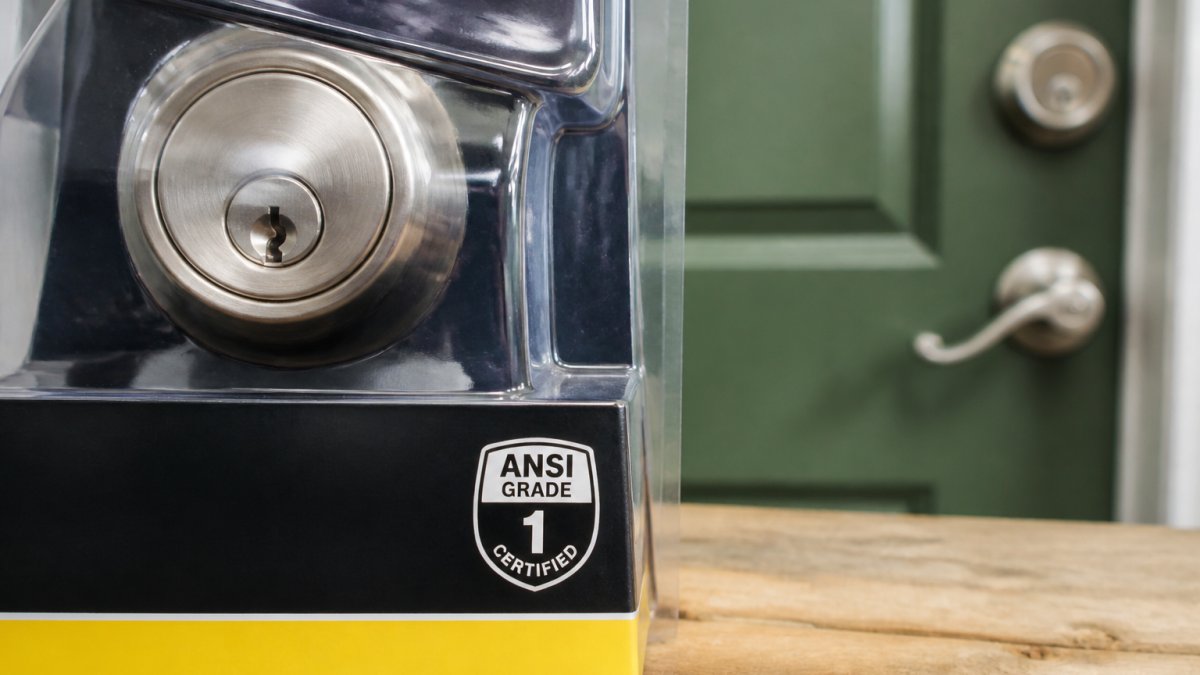
These grades are published by ANSI/BHMA and are the only standardized measure of lock security. Look for the grade rating on packaging or ask your locksmith.
Deadbolts: Types and Installation Costs
Deadbolts come in two main types: single-cylinder and double-cylinder.
Single-cylinder deadbolts have a keyhole on the outside and a thumb turn on the inside. They cost $20-$80 for hardware plus $100-$200 for professional installation, totaling $120-$280.
Double-cylinder deadbolts require a key on both sides, preventing window-break entry but creating a fire hazard. Most building codes restrict them. They cost the same as single-cylinder locks but are less commonly installed.
For most homeowners, a Grade 2 single-cylinder deadbolt is the practical choice: solid security, reasonable cost, and no fire-code complications.
High-Security Locks: Features and Trade-Offs
High-security locks use pick-resistant pins, hardened cylinders, and restricted keyways that prevent unauthorized key duplication, giving you complete control over key distribution.
High-security locks involve different pricing structures. The trade-off is convenience: you cannot get spare keys at a hardware store; you must contact the manufacturer or authorized locksmith, which takes days and involves additional costs per key.
High-security locks are ideal for rental properties, homes with valuable items, or properties where previous key distribution is unknown. For most single-family homes, a Grade 2 deadbolt provides adequate security at a fraction of the cost.
Smart Locks: Convenience vs. Security and Reliability
Smart locks use keypads, mobile apps, or biometric readers to grant access. You can create temporary codes for guests or contractors, then delete them. Remote access lets you unlock your door from anywhere.
Smart locks involve different pricing structures, significantly more than a Grade 2 deadbolt. Base the decision on features you actually need, not security alone.
Smart locks excel at convenience: temporary access codes, activity logs, remote unlock, smart home integration, and no keys to lose or duplicate.
Smart locks introduce new vulnerabilities: battery failure (6-12 months per set), network outages disabling remote access, cybersecurity risks (choose brands with security-patch track records), connectivity delays, and account compromise risks (use strong passwords and two-factor authentication).
Smart locks do not inherently provide better security than a Grade 1 deadbolt. Choose them for convenience and temporary access, not as a replacement for solid mechanical security.
Smart Lock Advantages and Disadvantages
Smart locks offer real convenience benefits, but the decision to install one should weigh those benefits against specific reliability and security trade-offs that many homeowners underestimate.
When Smart Locks Add Genuine Value
Smart locks shine in specific scenarios where their features solve real problems:
Rental properties and short-term rentals: Temporary codes avoid rekeying costs ($75-$150 per lock) and the risk of tenants keeping keys. Activity logs add accountability.
Frequent access for service providers: Grant temporary codes for specific dates and times, eliminating the need to hide keys or wait for arrival.
Households with accessibility needs: Keypad or app-based unlock removes barriers for elderly residents or people with mobility limitations. Some integrate with voice assistants.
Integration with smart home systems: Unlocking your door can trigger lights, cameras, or thermostats, adding convenience and making your home appear occupied.
Lost or stolen keys: A smart lock eliminates rekeying ($75-$150) or replacement ($200-$400) costs. Simply delete the code or change your password.
Real Reliability Risks and Failure Modes
Battery failure is the most common failure mode. Most smart locks last 6-12 months per battery set. Some models send low-battery alerts; others do not. If you don't notice the warning, you could arrive home to a dead lock.
Network outages disable remote access. Internet-connected locks depend on your home Wi-Fi and the manufacturer's servers. Local keypads still work, but app-based access disappears. Most popular models (August, Yale, Level Lock) require internet for full functionality. Check specifications if local-only access matters to you.
Cybersecurity vulnerabilities are real but manageable. Choose established manufacturers (Yale, August, Level Lock, Schlage) that release regular security updates. Use strong, unique passwords, enable two-factor authentication, keep firmware updated, and avoid public Wi-Fi. Avoid obscure brands with no security-update track record.
Account compromise is a specific risk. If someone gains access to your account, they could unlock your door remotely. Two-factor authentication and strong passwords limit this risk.
Cost-Benefit Analysis: When Smart Locks Make Sense
Smart locks involve different pricing structures compared to a Grade 2 deadbolt. The premium is worth it if you manage rental properties, frequently grant temporary access, have accessibility needs, or want smart home integration. It's harder to justify for single-family homes where you control all keys and rarely grant access.
Rekeying vs. Replacing Locks
Rekeying keeps your existing lock but changes internal pins so old keys no longer work. It costs less and works well if locks are in good condition but you've lost keys or moved. Replace locks when hardware is worn, damaged, outdated, or when upgrading to high-security or smart locks.
Securing Your Door Frame and Hardware
A lock is only as strong as the door and frame supporting it. A solid lock on a hollow-core door is a false sense of security. A quality lock with a weak strike plate can be kicked open. True security requires attention to the entire assembly.
Upgrade your strike plate, the metal piece on the frame that the bolt enters. Standard strike plates use short screws that barely penetrate the frame. Install a heavy-duty strike plate with 3-inch screws that reach deep into the structural framing. This single upgrade dramatically increases resistance to forced entry.
Inspect your door frame for gaps, rot, or damage. A door that doesn't close flush against the frame is vulnerable. The frame itself should be solid wood or metal, not hollow. If your frame is compromised, replacing it alongside your locks ensures comprehensive security.
Taking Action: When to Upgrade
The best time to upgrade your home door locks is now if any of these apply: you've recently moved, your locks show wear, you've experienced a break-in attempt, or you want the convenience of smart locks. Don't wait for a problem to force your hand.
Start by assessing your current locks. Do they turn smoothly? Are they free of rust and damage? Have you controlled key distribution? If you answer no to any of these, scheduling a professional inspection makes sense. A locksmith can evaluate your locks, recommend upgrades, and explain the trade-offs between rekeying and replacing.
Lock it All Locksmithing provides comprehensive lock assessments and installation across residential properties in Tennessee. Whether you need a simple rekey, a high-security deadbolt, or a full smart-lock system, our team delivers expert service tailored to your security needs. Call 615-810-7304 to schedule an evaluation.
Home security doesn't require expensive systems or constant vigilance. Upgrading your home door locks eliminates a fundamental vulnerability, prevents unauthorized access, and often adds convenience through smart-lock technology. According to the National Association of Home Builders, homeowners who upgrade entry-point security report significantly higher confidence in their home's safety. When you're ready to take that step, the American Locksmiths Association recommends working with a certified professional to ensure proper installation and security.
Frequently Asked Questions
When should you replace your home door locks?
Replace your locks if they are visibly damaged, worn, or malfunctioning; when you move into a new home to ensure previous owners lack access; after losing keys; if the lock no longer turns smoothly; or when upgrading to a higher-security option. Signs include difficulty turning the key, loose handles, or rust. Professional locksmiths can assess whether rekeying or full replacement is the right choice for your situation.
Should you change your locks after moving into a new home?
Yes, changing locks after moving is a best practice for home security. You cannot be certain how many copies of the previous owner's keys exist or who may have access. Rekeying existing locks or installing new ones ensures only you and authorized household members have entry. This single step significantly reduces unauthorized access risk and provides peace of mind in your new home.
What are the disadvantages of a smart door lock?
Smart locks require battery replacement or charging, creating potential lockouts if power fails. They depend on internet or Bluetooth connectivity, which can be unreliable. Privacy concerns arise from data collection and app-based access logs. Initial costs are higher than traditional locks. Some smart locks are vulnerable to hacking if not properly secured. Additionally, they may not work with all door types or frames, and backup access methods (spare keys, codes) are essential if the system fails.
Can a locksmith rekey a lock instead of replacing it?
Yes, rekeying is often a cost-effective alternative to replacement. A locksmith disassembles your existing lock and replaces the internal pins so that old keys no longer work while new keys operate the lock. Rekeying works well if your lock is structurally sound but you need to change who has access. However, if the lock is damaged, worn, or you want to upgrade to a higher-security model, full replacement is the better choice.
Why Nashville drivers choose Lock it All Locksmithing
We are a locally owned, licensed and insured mobile locksmith serving Nashville, Antioch, Brentwood, Franklin, Smyrna, La Vergne, Murfreesboro, Hermitage and Mt. Juliet. You speak directly with the technician who does the work, get an honest price before we dispatch, and we arrive in a fully stocked service vehicle so most jobs finish in a single visit — usually within 20 to 45 minutes of arriving. No towing, no dealership appointment, no surprise fees.
How the visit works
- Tell us the details: call, text or send the quote form with your vehicle's year, make and model, or a description of your lock problem.
- Get an exact price: we quote parts, cutting, programming and travel up front.
- We come to you: our mobile workshop meets you at home, work or roadside.
- Done on the spot: keys are cut, programmed and tested with you before we leave.
Areas we serve
Nashville, Antioch, Brentwood, Franklin, Smyrna, La Vergne, Murfreesboro, Hermitage and Mt. Juliet. If you're outside these areas, call 615-810-7304 to confirm whether we can help.
What our customers say
Best locksmith in town excellent service and great price !!
— Adrian Fiorito, 5 stars.Very wonderful service, strong quality, great prices, and it does not take long.
— George Yacoub, 5 stars.Great customer service - Professional - Fast Highly recommend.
— Jan Daoud, 5 stars.
Rated 5 stars across 100+ verified Google reviews. Call or text 615-810-7304 or email info@lia-locksmith.com.