Upgrading Legacy Building Security Systems: A Step-by-Step Guide
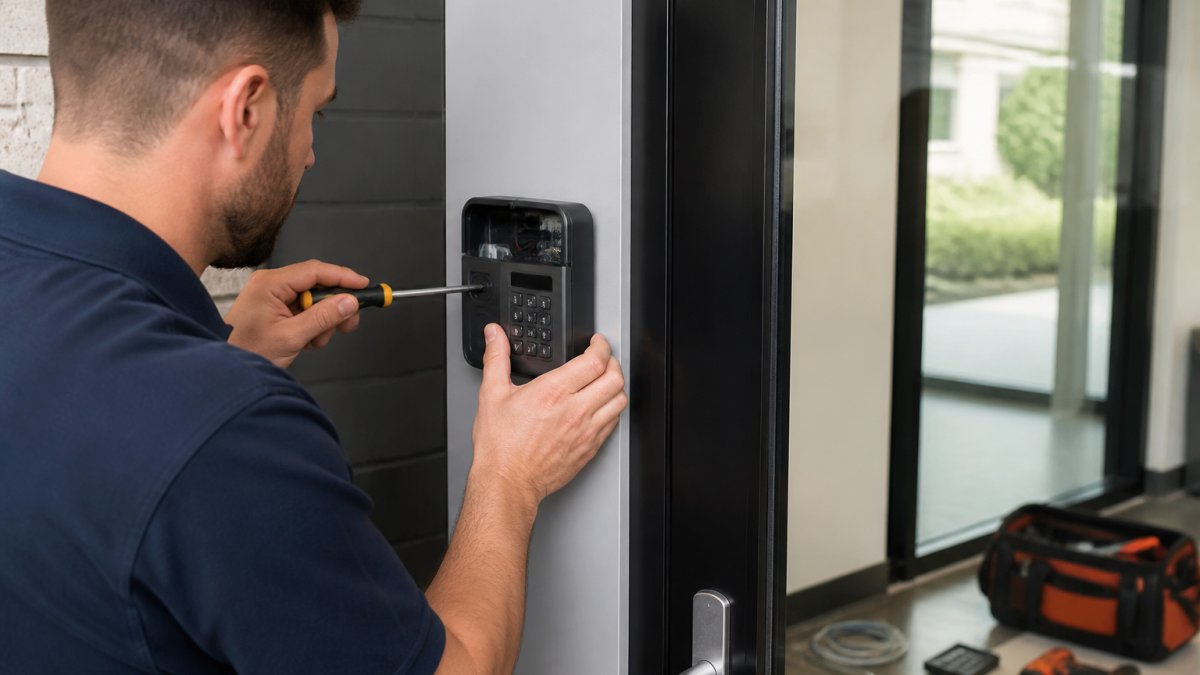
Learn how to upgrade legacy building security systems with a practical step-by-step plan. Assess needs, ensure compatibility, and modernize safely.
Table of Contents
- Why Upgrading Legacy Building Security Systems Matters
- Signs Your Building Security System Needs an Upgrade
- Conducting a Building Security Assessment
- Evaluating Access Control System Compatibility
- Planning Your Legacy Access Control System Upgrade
- Upgrading Commercial Door Locks and Hardware
- Implementation, Testing, and Ongoing Maintenance
- Frequently Asked Questions
Last Updated: October 19, 2026
Why Upgrading Legacy Building Security Systems Matters
Outdated security infrastructure creates real risks. Older access control systems no longer receive updates or support, leaving your building vulnerable to breaches, unauthorized entry, and operational failures.
A legacy security system often means manual processes, disconnected hardware, and no real-time visibility into who enters your building and when. Modern threats evolve constantly. Your security approach needs to keep pace.
We help building owners and managers recognize when their systems have become liabilities rather than assets. A protected building usually comes down to whether your security infrastructure can adapt to today's threats.
Upgrading legacy building security systems isn't just about new equipment. It's about creating a cohesive, modern security framework that protects your property, people, and operations. The longer you wait, the greater the risk.
Signs Your Building Security System Needs an Upgrade
Recognizing the warning signs of an aging security system helps you act before a vulnerability becomes a costly problem.
Common red flags include:
- Hardware that's 10+ years old with no manufacturer support available
- Keys and manual locks as your only access control method
- Security cameras that don't record, or footage that's difficult to retrieve
- No integration between different security components
- Frequent false alarms or system malfunctions
- Inability to quickly revoke access when employees leave
- No mobile or remote access capabilities
- Slow response times when investigating security incidents
If your building security assessment reveals staff still use physical keys to manage access, you're managing security manually, creating delays, audit gaps, and blind spots.
Outdated alarm systems trigger false alerts, eroding trust and creating liability. Modern systems use intelligent sensors and AI-powered monitoring to reduce false alarms while catching real threats.
Legacy CCTV systems suffer from poor image quality, limited storage, and no access control integration, so you can't connect who entered a space with what happened there, weakening incident response.
Conducting a Building Security Assessment
A proper building security assessment identifies vulnerabilities, documents your infrastructure, and reveals gaps between what you have and what you need.
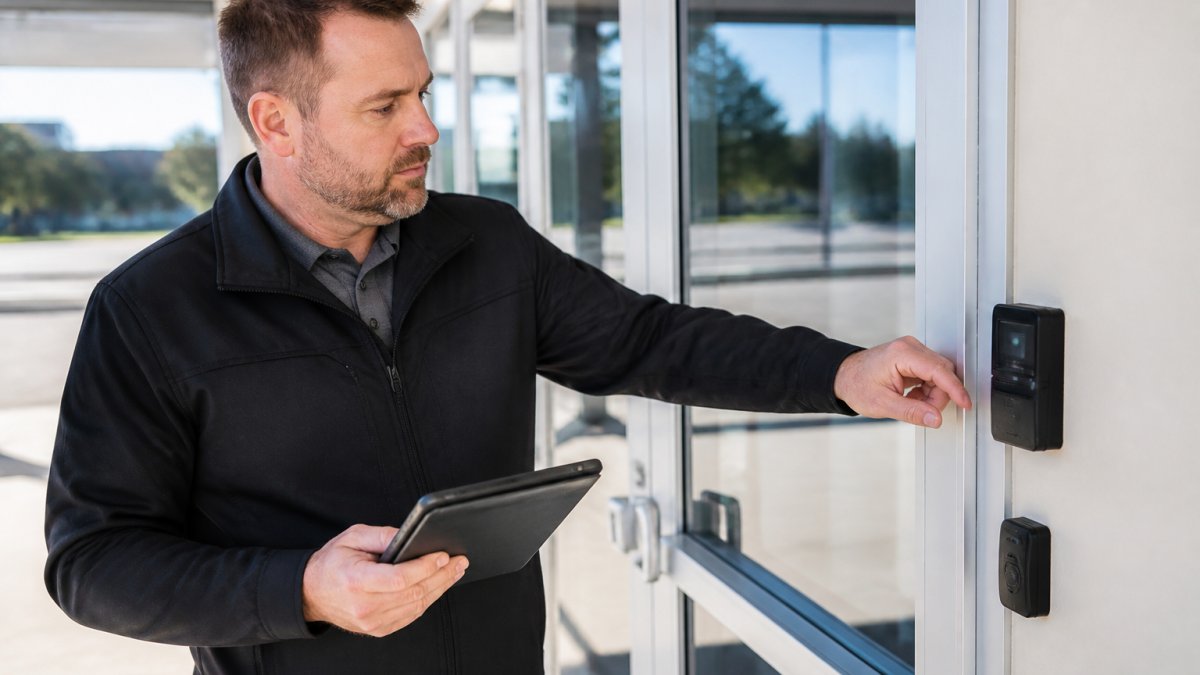
Start by documenting your existing infrastructure:
- List all entry and exit points
- Catalog current locks, access control hardware, and alarm sensors
- Photograph and record the condition of each component
- Note which systems are integrated and which operate independently
- Identify areas with no monitoring or access control
Walk through your building with security in mind. Check physical security first: are doors secure, do locks function, and can unauthorized people reach restricted areas?
Next, evaluate access control. Who has keys, how is distribution managed, and can you quickly revoke access when someone leaves?
Review surveillance: can you retrieve footage quickly, is image quality sufficient to identify people, and does it integrate with access logs to correlate who was present with what happened?
Document alarm performance: how often do false alarms occur, how quickly does monitoring respond, and can you test the system without triggering unnecessary alerts?
A thorough assessment also considers your specific risks.
Evaluating Access Control System Compatibility
Compatibility determines whether your upgrade can happen in phases or requires full replacement. Most owners discover problems after equipment is ordered and crews are on site; a structured evaluation before procurement prevents that.
Build a component-by-component compatibility matrix. For each existing device, record the manufacturer, model number, firmware version, credential technology, communication protocol, and power requirements. Then mark each item as retain, replace, or bridge.
Key compatibility questions to answer:
- Does your existing access control hardware support modern credential types, or is it locked to magnetic stripe or 125 kHz proximity cards?
- Can your current network infrastructure handle IP-based security devices, including Power over Ethernet (PoE) cameras and networked door controllers?
- Are your door frames, strikes, and hinges standard enough to accept new locks without cutting or welding?
- Does your electrical system provide adequate power at each door, and is there room for backup batteries in the enclosure?
- Can new systems integrate with existing building automation, fire alarm, or elevator controls?
What you can usually retain. Physical infrastructure often outlives the electronics. Door frames, conduit, raceways, and low-voltage wiring are reusable if they meet code and are in good condition.
What usually must be replaced. Proprietary panels and head-end software without manufacturer support are the most common forced replacements.
Test compatibility before you commit. Ask vendors for a site survey that includes:
- A network assessment: switch capacity, VLAN configuration, PoE budget, and bandwidth for video streams.
- A door-by-door hardware inspection: frame condition, power availability, and whether existing readers and strikes can be reused.
- A credential audit: how many cards or fobs are in circulation, what technology they use, and whether the population can be migrated in waves.
- A software integration check: whether the proposed access control platform can exchange data with your existing video, alarm, and building automation systems through documented APIs.
Plan for phased migration. The best upgrades allow phased implementation, upgrading access control one section at a time while maintaining security. A common pattern runs the new system in parallel with the legacy one, using a bridge or gateway so credentials work on both until cutover. This minimizes disruption, lets you test before full deployment, and gives staff time to learn new workflows.
Avoid the two-system trap. Running parallel systems indefinitely creates the fragmentation you're trying to eliminate.
Planning Your Legacy Access Control System Upgrade
A solid upgrade plan prevents chaos and keeps your building secure throughout the transition.
Your upgrade plan should address:
- Phased implementation timeline
- Budget allocation and cost management
- Downtime windows and contingency procedures
- Staff training requirements
- Integration with existing building systems
- Testing and validation protocols
- Maintenance and support arrangements
Start by prioritizing areas: which entry points matter most, and where are your greatest gaps? Upgrade high-traffic areas or spaces with sensitive assets first.
Set a realistic timeline. Rushing increases errors and security gaps. Most buildings benefit from a 6-12 month window allowing testing, staff training, and refinement before full deployment.
Budget for total cost of ownership, not just equipment: installation labor, network upgrades, staff training, testing, and first-year maintenance. Hidden costs often emerge during implementation.
Identify contingency procedures.
Communication matters. Notify occupants about the timeline, how it affects daily routines, and what training they'll receive. Clear communication reduces resistance and improves adoption.
Upgrading Commercial Door Locks and Hardware
Commercial door locks and hardware form the physical foundation of your access control system and are often the most visible part of upgrading legacy building security systems.
Modern commercial locks offer capabilities manual locks cannot match.
When upgrading locks, consider:
- Compatibility with your new access control system
- Fail-safe versus fail-secure operation requirements
- Power requirements and backup battery systems
- Credential types your organization will use
- Integration with emergency systems
Fail-safe locks unlock when power fails, allowing emergency egress. Fail-secure locks stay locked during outages, maintaining security but requiring manual override in emergencies.
Electronic locks require reliable power. Battery backup systems ensure operation during outages. Quality commercial locks include battery monitoring so you know when replacement is needed.
Credential management shifts from physical keys to digital credentials. Access cards, mobile credentials, or biometric systems replace traditional keys.
We specialize in commercial door lock installation and integration with modern access control systems.
Implementation, Testing, and Ongoing Maintenance
Implementation is where planning becomes reality. Proper execution prevents security gaps and ensures your new system performs as designed.
Implementation sequence. A typical building upgrade follows this order:
- Pre-installation site verification: confirm power, network drops, and mounting locations match the design drawings.
- Network and infrastructure work: install or upgrade switches, cabling, and power supplies before any security devices arrive.
- Device installation: mount readers, locks, cameras, and panels per the approved drawings.
- System configuration: set up access levels, schedules, credential formats, and integrations in the new platform.
- Commissioning and acceptance testing: validate every function against written criteria before handover.
- Training and cutover: train staff, distribute credentials, and decommission legacy components on a defined schedule.
Commissioning and acceptance criteria. Before you accept the system, test and document each of the following:
- Access permissions: every credential works at every door it should open and fails at every door it should not. Test at least one credential per access group.
- Audit trails: each door event appears in the access log with the correct time, credential, and door identifier.
- Alarm and intrusion functions: door-held-open, door-forced-open, and tamper alarms trigger and report correctly.
- Camera coverage: each camera covers its intended field of view, records at the specified resolution and frame rate, and retains footage for the required period.
- Failover and power loss: fail-safe and fail-secure behavior matches the design, backup batteries carry the load for the specified duration, and the system recovers cleanly when power returns.
- Integrations: access events trigger the correct video, alarm, or building automation responses, and the integration survives a restart of either system.
- Emergency egress: every egress door releases as required by code during a simulated alarm or power failure.
- User workflows: operators can add a user, revoke a credential, run a report, and export an audit log without vendor assistance.
Staff training determines adoption success. Employees need to understand how to use new credentials, report access issues, and follow updated security procedures. Training should cover at least: how to present a credential, what to do when a reader denies access, how to request access changes, and how to report a lost card. Training reduces frustration and security mistakes, and it reduces the volume of help-desk calls in the first month.
Ongoing maintenance keeps your upgraded system reliable. Modern security systems require regular firmware updates, battery replacement, credential management, and performance monitoring. Establish a maintenance schedule that includes:
- Quarterly testing of backup batteries and failover behavior.
- Firmware and software updates on a defined cadence, with a rollback plan for each update.
- Credential audits to remove departed employees and dormant accounts.
- Camera image quality checks and lens cleaning.
- Review of access logs and alarm reports for anomalies.
Real-time alerts help you catch problems early. Modern systems notify you of access anomalies, failed credentials, or hardware issues before they become major problems. Route alerts to a monitored inbox or dashboard, assign an owner for each alert type, and track response times.
Document everything. Keep records of all credentials issued, access logs, maintenance performed, and system changes. This documentation supports troubleshooting, compliance audits, and future upgrades. Store as-built drawings, configuration backups, and vendor contacts in a location the building owner controls, not only with the integrator.
Frequently Asked Questions
What are the main security risks in legacy building security systems?
Legacy systems often use outdated protocols vulnerable to unauthorized access, lack real-time monitoring capabilities, and cannot integrate with modern cybersecurity measures. Outdated access control hardware may rely on magnetic stripe cards or mechanical locks that are easily compromised. Systems without network segmentation or intrusion detection leave buildings exposed to physical and digital threats. Upgrading addresses these vulnerabilities by implementing current encryption standards, credential management systems, and integrated monitoring.
How do I know if my legacy access control system can work with modern security technology?
Conduct a building security assessment to document your current hardware, software versions, and network infrastructure. Check whether your system uses IP network connectivity or is isolated. Modern systems typically require network compatibility, firewall integration, and support for mobile credentials. Professional assessment determines if your existing infrastructure can be upgraded incrementally or requires full replacement. Many legacy systems can integrate with new technology through middleware solutions, reducing downtime and total cost of ownership.
What should I include in an upgrading legacy building security systems plan?
Your plan should document current security weaknesses, define modern security requirements, evaluate access control system compatibility with existing hardware, establish a phased migration timeline, identify downtime windows, budget for testing and commissioning, and outline staff training needs. Include provisions for integrating CCTV, alarm systems, and mobile-connected security features. Address building codes and compliance requirements. Schedule regular maintenance and patch management post-implementation. A comprehensive plan minimizes disruption and ensures all components work together reliably.
Can I upgrade my building security gradually, or do I need to replace everything at once?
Phased upgrades are often the best approach. Start by upgrading the highest-risk areas, then progressively modernize remaining sections. This strategy reduces downtime, spreads costs over time, and allows staff to adapt to new systems incrementally. Ensure new and legacy components can coexist during the transition. Work with professionals experienced in system integration to maintain security throughout the migration. Phased implementation also lets you test compatibility before full deployment and adjust your strategy based on real-world performance.
Why Nashville drivers choose Lock it All Locksmithing
We are a locally owned, licensed and insured mobile locksmith serving Nashville, Antioch, Brentwood, Franklin, Smyrna, La Vergne, Murfreesboro, Hermitage and Mt. Juliet. You speak directly with the technician who does the work, get an honest price before we dispatch, and we arrive in a fully stocked service vehicle so most jobs finish in a single visit — usually within 20 to 45 minutes of arriving. No towing, no dealership appointment, no surprise fees.
How the visit works
- Tell us the details: call, text or send the quote form with your vehicle's year, make and model, or a description of your lock problem.
- Get an exact price: we quote parts, cutting, programming and travel up front.
- We come to you: our mobile workshop meets you at home, work or roadside.
- Done on the spot: keys are cut, programmed and tested with you before we leave.
Areas we serve
Nashville, Antioch, Brentwood, Franklin, Smyrna, La Vergne, Murfreesboro, Hermitage and Mt. Juliet. If you're outside these areas, call 615-810-7304 to confirm whether we can help.
What our customers say
Best locksmith in town excellent service and great price !!
— Adrian Fiorito, 5 stars.Very wonderful service, strong quality, great prices, and it does not take long.
— George Yacoub, 5 stars.Great customer service - Professional - Fast Highly recommend.
— Jan Daoud, 5 stars.
Rated 5 stars across 100+ verified Google reviews. Call or text 615-810-7304 or email info@lia-locksmith.com.