Smart Home Security Integration for Residential Properties
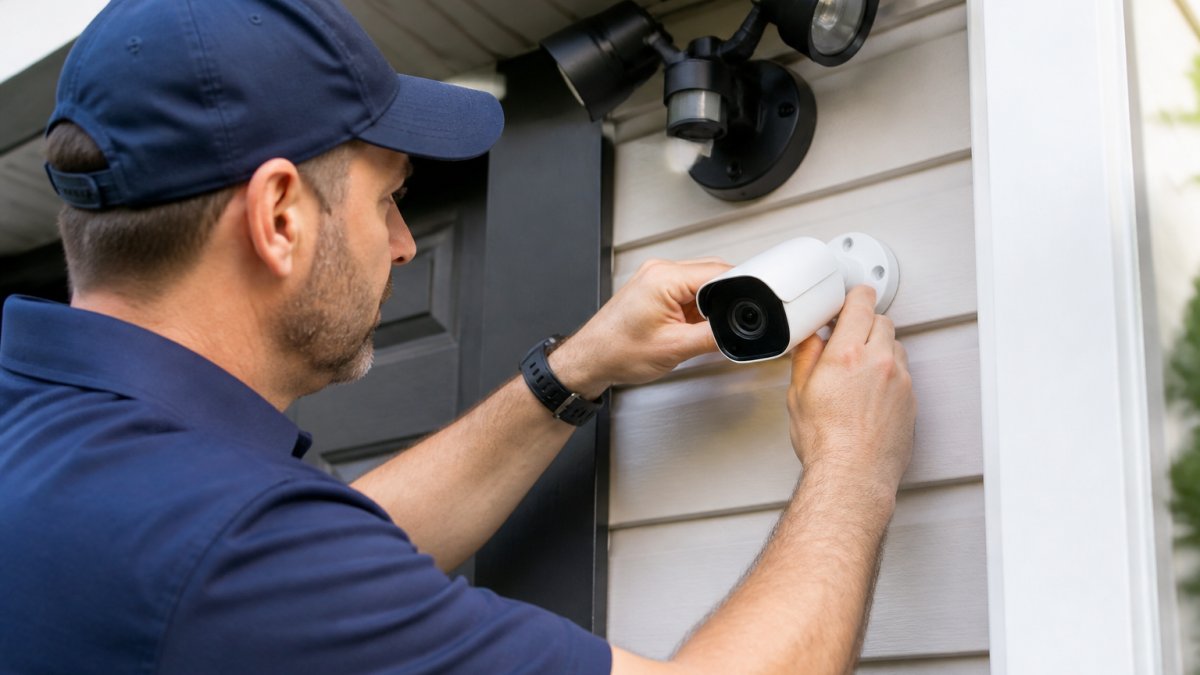
Smart home security integration for residential properties connects locks, cameras, sensors, and alarms into one system.
Table of Contents
- What Smart Home Security Integration Means for Your Home
- Smart Home Security System Compatibility: What Works Together
- Smart Locks and Home Security Integration: Access Control That Works
- Cameras, Sensors, and Monitoring: The Eyes and Ears of Your System
- Smart Home Security System Installation: Planning and Commissioning
- Home Automation Security Best Practices for Residential Properties
- Costs, Installation Trade-Offs, and Ongoing Fees
- Conclusion: Building a System That Fits Your Home
- Frequently Asked Questions
Last Updated: October 6, 2026
What Smart Home Security Integration Means for Your Home
Smart home security integration for residential properties is the practice of connecting locks, cameras, sensors, and alarms into one system you control from a single app. Instead of juggling four separate apps and hoping they talk to each other, integration makes them act as one. A door sensor that triggers a camera, a lock that arms the alarm when you leave.
The Core Components of an Integrated System
Every integrated system rests on four building blocks:
- A central hub or cloud platform that runs your automations
- Smart locks for entry management and access control
- Cameras and sensors for video monitoring and intrusion detection
Get these four working together and you have a genuine integrated security system. Skip one and you have gadgets.
Smart Home Security System Compatibility: What Works Together
Smart home security system compatibility determines whether your devices actually communicate or just sit on the same Wi-Fi network ignoring each other. The protocol matters more than the brand.
Interoperability Standards You Should Know
Matter is the cross-brand standard that lets devices from different manufacturers work on one platform (Build With Matter). Zigbee and Z-Wave are mesh protocols built for low-power sensors. Wi-Fi devices are easy to set up but drain batteries faster.
How to Check Compatibility Before You Buy
Check three things before any purchase:
- Does the device list the hub you own as supported?
- Does it use a protocol your hub speaks (Matter, Zigbee, Z-Wave, Wi-Fi)?
- Does the manufacturer document an integration with your platform?
The Connectivity Standards Alliance publishes the current Matter specification if you want to verify a device's claims directly.
Smart Locks and Home Security Integration: Access Control That Works
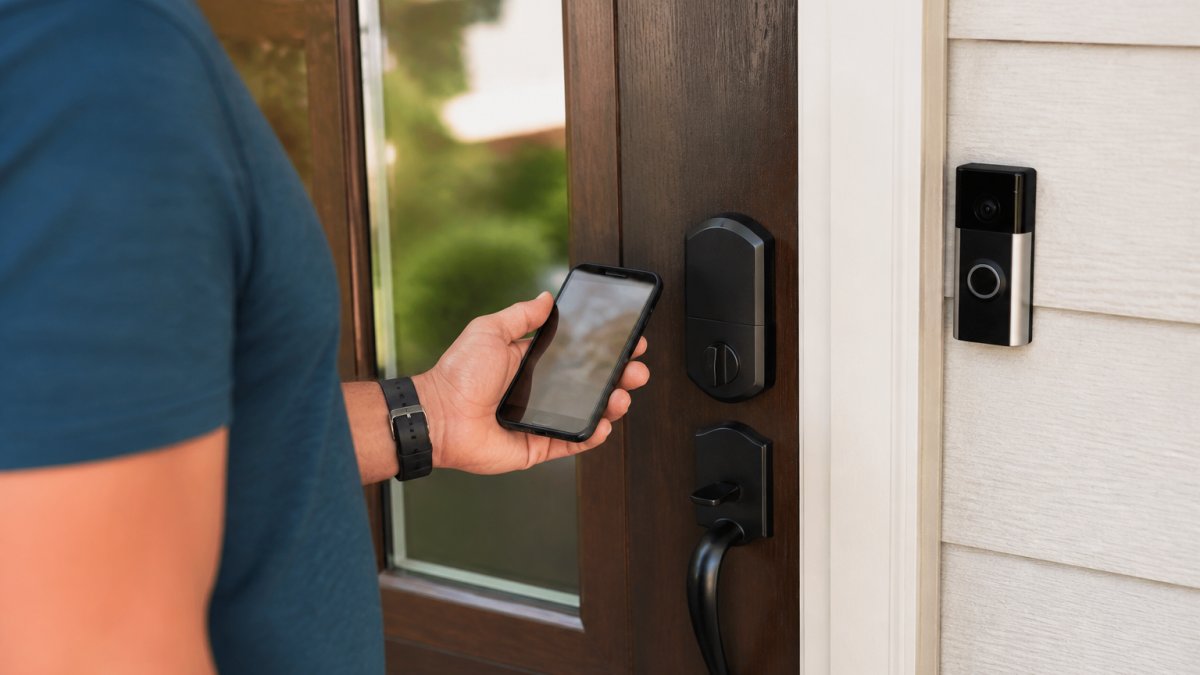
Smart locks and home security integration turn your front door into the most useful sensor in the house. A connected deadbolt knows who entered, when, and whether the door actually closed behind them.
Managing Passcodes, Guests, and Entry Permissions
Assign unique passcodes per person. That way your security reporting tells you exactly who came in at 2 p.m. on Tuesday, not just that someone did. Set guest codes to expire automatically, and revoke a code the moment it's no longer needed. Grant access to a contractor for one afternoon; restrict entry for everyone else.
Cameras, Sensors, and Monitoring: The Eyes and Ears of Your System
Cameras and sensors do the detecting; monitoring decides what happens next. Pair them and you get real-time alerts with context instead of a phone buzzing at every passing car.
Door, Window, and Motion Sensors
Door sensors and window sensors report open and closed states. Motion sensors catch movement inside the perimeter. Place motion sensors in hallways and near entry points, not facing windows, where sunlight triggers false alarms.
Video Monitoring and Real-Time Alerts
Position security cameras to cover entries, driveways, and blind spots. Set notifications by zone and time so you only get pinged when it matters. Live video feeds let you verify before you act.
Smart Home Security System Installation: Planning and Commissioning
Smart home security system installation goes smoothly when you plan the network before you mount anything. Most failures trace back to weak Wi-Fi or an overloaded hub, not bad hardware. The unique angle here is treating installation as a commissioning project, assess, select, sequence, test, and maintain, rather than a weekend shopping spree.
Step 1: Assess the Property Before You Buy Anything
Walk the home and document every entry point: front door, back door, garage entry, sliding doors, ground-floor windows, and any basement or crawlspace access.
Also map your Wi-Fi coverage. A common pattern is a router at one end of the house with dead zones at the garage and back patio, exactly where cameras and doorbells need signal.
Step 2: Build a Device-Selection Checklist
Before purchasing, confirm each device against this checklist:
- Protocol match, Does the device speak a protocol your hub supports (Matter, Zigbee, Z-Wave, Wi-Fi)?
- Power source, Battery, hardwired, or PoE? Battery devices need a maintenance schedule; hardwired devices need an electrician or existing wiring.
- Hub compatibility, Does the manufacturer document integration with your specific hub or platform?
Step 3: Install in the Right Sequence
- Hub and network first. Get the hub online and confirm it sees your Wi-Fi or mesh network before adding devices.
- Smart locks next. Locks are the hardest to retrofit and the most likely to need physical adjustment. Install and test them while you still have energy and daylight.
- Cameras and doorbells. Mount these after you have confirmed Wi-Fi signal at each location. Aim for overlapping coverage at entries rather than one camera trying to cover everything.
- Sensors last. Door, window, and motion sensors are the easiest to place and the most numerous. Label each one in the app as you go, "Back door," "Garage entry," "Hallway motion", so alerts are readable later.
Step 4: Test Every Trigger Before You Rely on It
A system that has never been tested is a system you cannot trust. Run through this protocol after installation:
- Open and close every door and window sensor and confirm the app registers the change.
- Trigger each motion sensor and confirm the alert fires.
- Arm the system, open a protected door, and confirm the alarm sounds and the notification reaches your phone.
Step 5: Set a Maintenance Schedule
Quarterly: test batteries, confirm backups, and review your alert log for false alarms. Annually: update firmware on every device, review user codes and revoke any that are no longer needed, and re-check Wi-Fi signal at each device location. A common pattern is that a system works perfectly for six months and then a dead battery or a firmware update silently breaks an automation, a quarterly check catches both.
When to Call a Professional
Call a professional for hardwired alarms, structured wiring, or commercial-grade access control. If your doors need new deadbolts, strike plates, or frame reinforcement before a smart lock will fit properly, that is locksmith work, not a plug-in project. Lock it All Locksmithing handles residential and commercial lock and access control work, so if your setup needs real hardware installed rather than a plug-in camera, that's a job for a locksmith, not a weekend project.
Home Automation Security Best Practices for Residential Properties
Home automation security best practices come down to two things: keeping intruders out of your network and keeping your system running when the power or internet drops.
Cybersecurity and Privacy Safeguards
Change default passwords on day one. Enable two-factor authentication on every account. Keep firmware current, and put smart devices on a separate network from your computers. The Cybersecurity and Infrastructure Security Agency publishes plain-language guidance on securing internet-connected devices at home.
Resilience During Outages and System Failures
Battery backups keep locks and sensors running through a power cut. Cellular backup keeps monitoring alive when broadband fails. Test both quarterly, and confirm your locks still work with a physical key when everything else is down.
Costs, Installation Trade-Offs, and Ongoing Fees
Costs vary widely by how much you install and whether you choose professional monitoring. The unique angle here is breaking down where the money actually goes, equipment, installation labor, monitoring, and cloud storage, so you can compare approaches honestly instead of guessing.
Where the Money Goes
Installation labor. If you hire a professional, expect labor to be quoted per device or per job.
Monitoring. Professional monitoring is the most common ongoing fee. Month-to-month plans are widely available, and many providers offer a discount for annual prepayment.
Cloud video storage. Many cameras include a free tier with limited clip history, then charge a monthly or annual subscription for longer retention or multiple cameras.
DIY vs. Professional: Decision Criteria
| Factor | DIY Plug-In | Pro-Installed | Full Hardwired with Monitoring |
|---|---|---|---|
| Upfront cost | Lowest | Moderate to high | Highest |
| Ongoing fees | Cloud storage, optional monitoring | Optional monitoring | Monthly monitoring plan |
| Best for | Renters, small homes, simple setups | Homeowners wanting reliability without major construction | Whole-home coverage, new construction, or major renovation |
| Main trade-off | You handle setup, troubleshooting, and compatibility checks | You pay for labor but get fit and finish handled | Highest cost, but best resilience and integration |
Choose DIY if you are comfortable with app setup, can confirm protocol compatibility yourself, and do not need hardwired power or cellular backup. Choose professional installation if your doors need modification, you want hardwired cameras or alarms, or you simply do not want to troubleshoot compatibility issues.
Questions to Ask Before You Sign Anything
- Is monitoring month-to-month or does it require a multi-year contract?
- Does the monitoring plan include cellular backup, or is that an add-on?
- What happens to my system if I cancel monitoring, do the devices still work locally?
Because pricing depends on your home, device count, and service level, we quote each job individually. Call 615-810-7304 for current pricing.
Conclusion: Building a System That Fits Your Home
The hard part of smart home security integration isn't the technology; it's choosing devices that actually work together and knowing when to bring in help. Lock it All Locksmithing installs residential and commercial locks and access control across Tennessee, backed by expert car key replacement, key fob programming, and remote start installation.
Frequently Asked Questions
What is the best integrated smart home security system?
The best system depends on your home's size, existing devices, and whether you want professional monitoring. Look for a central hub that supports multiple protocols like Zigbee, Z-Wave, and Wi-Fi, and check compatibility with your preferred smart locks and cameras. Systems that offer local processing and backup battery power tend to be more reliable during outages. A professional locksmith or security integrator can help you assess your property and recommend a setup that fits your needs.
What security system do burglars hate?
Burglars tend to avoid homes with visible security cameras, motion-activated lights, and alarm signs. A system that combines door and window sensors with real-time alerts and professional monitoring is a strong deterrent. Smart locks with unique passcodes and auto-lock features also make entry harder. The key is consistency: arm your system every time you leave, and keep your outdoor cameras unobstructed so they record clear footage.
What are the downsides of smart home technology?
Common downsides include reliance on internet connectivity, potential cybersecurity vulnerabilities, and compatibility headaches when mixing brands. Some devices become obsolete if the manufacturer stops updating firmware. Privacy is another concern: cameras and microphones collect data that must be secured. You can mitigate these by choosing reputable brands, using strong passwords, enabling two-factor authentication, and keeping your network updated.
How do you integrate smart locks with a home security system?
Start by choosing a smart lock that supports a common protocol like Z-Wave or Zigbee, or one that works with your security system's app. Pair the lock with your central hub, then set up automated routines: for example, lock the door when you arm the system or unlock it when you arrive home. You can also create unique passcodes for guests and receive notifications when the door is unlocked. A professional can ensure the lock is installed securely and integrated correctly.
Can smart home security devices from different brands work together?
Many devices from different brands can work together if they support the same interoperability standards, such as Zigbee, Z-Wave, or Matter. A central hub like SmartThings, Hubitat, or Apple HomeKit can bridge compatible devices. However, not all features may be available across brands. Before buying, check the device's compatibility list and reviews. If you're unsure, consult a smart home integrator who can test and confirm what will work in your home.
How can I make a smart home security system more reliable?
Reliability starts with a strong Wi-Fi network and a backup internet connection if possible. Use a central hub that supports local automation so routines still run if the cloud is down. Keep devices charged or hardwired, and set up battery backups for critical components. Regularly test sensors, cameras, and locks, and update firmware. For critical systems, consider professional monitoring with cellular backup so alerts still go out during an outage.
Should smart home security devices be installed professionally?
Professional installation is recommended for complex systems, especially if you're integrating smart locks, cameras, and alarms with existing wiring or need precise sensor placement. A professional can ensure devices are mounted securely, configured correctly, and integrated with your network and monitoring service. DIY installation works for simple plug-and-play devices, but professional help reduces the risk of gaps in coverage and compatibility issues.
Why Nashville drivers choose Lock it All Locksmithing
We are a locally owned, licensed and insured mobile locksmith serving Nashville, Antioch, Brentwood, Franklin, Smyrna, La Vergne, Murfreesboro, Hermitage and Mt. Juliet. You speak directly with the technician who does the work, get an honest price before we dispatch, and we arrive in a fully stocked service vehicle so most jobs finish in a single visit — usually within 20 to 45 minutes of arriving. No towing, no dealership appointment, no surprise fees.
How the visit works
- Tell us the details: call, text or send the quote form with your vehicle's year, make and model, or a description of your lock problem.
- Get an exact price: we quote parts, cutting, programming and travel up front.
- We come to you: our mobile workshop meets you at home, work or roadside.
- Done on the spot: keys are cut, programmed and tested with you before we leave.
Areas we serve
Nashville, Antioch, Brentwood, Franklin, Smyrna, La Vergne, Murfreesboro, Hermitage and Mt. Juliet. If you're outside these areas, call 615-810-7304 to confirm whether we can help.
What our customers say
Best locksmith in town excellent service and great price !!
— Adrian Fiorito, 5 stars.Very wonderful service, strong quality, great prices, and it does not take long.
— George Yacoub, 5 stars.Great customer service - Professional - Fast Highly recommend.
— Jan Daoud, 5 stars.
Rated 5 stars across 100+ verified Google reviews. Call or text 615-810-7304 or email info@lia-locksmith.com.