Installing Keyless Entry Systems for Office Buildings
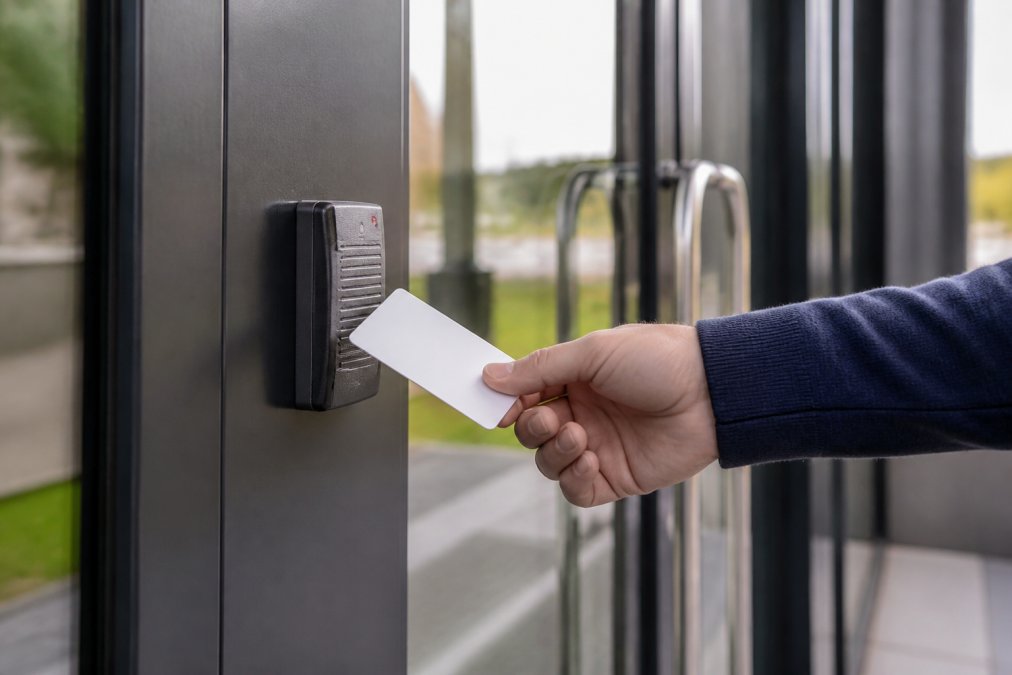
A technical guide to installing keyless entry systems for office buildings. Learn about access control costs, ADA compliance, and cybersecurity. Get.
Table of Contents
- Keyless Entry Installation: Retrofitting vs. New Construction
- Choosing the Right Technology: RFID, Biometric, and Mobile Access
- Commercial Access Control System Cost: What to Budget For
- Keyless Entry Installation Best Practices for Facility Managers
- ADA Compliance for Commercial Door Locks and Life-Safety Codes
- Cybersecurity Protocols for Cloud-Based Locks and Network Integration
- Conclusion
- Frequently Asked Questions
Last Updated: September 20, 2026
Keyless Entry Installation: Retrofitting vs. New Construction
Installing keyless entry systems for office buildings starts with one decision: retrofit an existing door or specify hardware for new construction? A retrofit replaces the mechanical cylinder and adds an electronic reader to hardware that's already hung and swinging. New construction lets you specify electrified hardware, power runs, and network cabling before the drywall goes up.
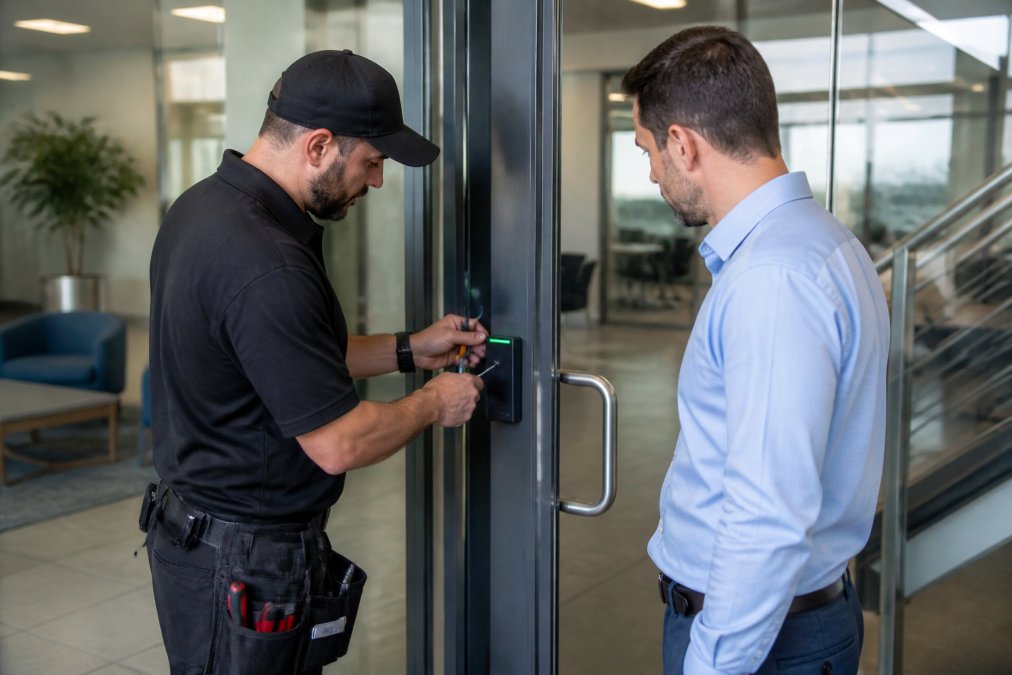
Choosing the Right Technology: RFID, Biometric, and Mobile Access
Three technologies cover nearly every commercial deployment: RFID credentials, biometric authentication, and mobile access. RFID is the workhorse: a card or fob holds a credential, the reader sends it to the controller, and the door releases. It's cheap per credential, fast to issue, and easy to revoke. Biometric authentication ties access to a person rather than a card, eliminating credential sharing but adding enrollment time and cost per reader.
| Technology | Best For | Main Trade-Off | Credential Cost Profile |
|---|---|---|---|
| RFID credentials | High-traffic offices, many users | Cards can be lost or shared | Lowest per user |
| Biometric authentication | Secure areas, server rooms | Slower enrollment, higher reader cost | Higher per reader |
| Mobile access | Modern offices, hybrid teams | Depends on phone battery and network | Low per user, higher setup |
Hardwired vs. Wireless Systems
Hardwired systems draw power and data over cable: no batteries to change, no wireless interference, but higher installation cost because someone has to run the cable. Wireless systems, including PoE (Power over Ethernet) locks and battery-powered smart locks, install faster and suit buildings where pulling cable isn't practical. PoE is the middle ground: one cable carries both power and data.
Commercial Access Control System Cost: What to Budget For
Commercial access control system cost depends on door count, technology mix, and whether you're retrofitting or building new. Rather than quote a single number that won't survive contact with your building, build a per-door cost model and apply it to your door schedule.
The Four Cost Buckets
Every commercial access control quote breaks into four buckets. Ask each vendor to itemize against them.
A Per-Door Budgeting Framework
Instead of chasing a national average, build your own estimate:
- Door count. Multiply by your per-door hardware and labor estimate. Ten doors is a different project than fifty.
- Retrofit vs. new construction. Retrofits are cheaper on hardware but often pricier on labor because you're working around existing conditions.
- Wired vs. wireless. Hardwired costs more up front and less over time; battery and PoE locks invert that.
- Standalone vs. networked. Standalone is cheaper to install and manage; networked adds subscription cost but unlocks audit trails, remote management, and integration.
- Integration scope. Connecting to visitor management, HR, or video surveillance adds configuration labor and ongoing API maintenance.
Total Cost of Ownership Beats Sticker Price
The cheapest per-door installation quote is frequently the most expensive system over three years. Cloud subscriptions, replacement credentials, service calls, and an end-of-life hardware refresh all land after the installation invoice is paid. Normalize bids to a three-year total cost of ownership: hardware plus labor plus subscription times thirty-six months plus an estimated maintenance allowance.
Where Quotes Go Wrong
Three patterns show up repeatedly in commercial bids. First, a low hardware number paired with an inflated labor line, because most buyers only scrutinize hardware. Second, a low installation quote with an aggressive per-door monthly subscription that recovers the difference within eighteen months. Third, a quote that omits request-to-exit devices, door position switches, or power supplies, then adds them as change orders once the door is open.
ROI Considerations
Access control rarely pays back on hardware cost alone. The return comes from reduced rekeying after turnover, eliminated lost-key liability, audit trails that resolve incidents without guesswork, and the labor savings of issuing or revoking a credential in seconds instead of dispatching a locksmith. Facilities that track these soft costs typically find the system pays for itself faster than the hardware math suggests, but only if the permission model is configured correctly from day one.
Keyless Entry Installation Best Practices for Facility Managers
Keyless entry installation best practices come down to planning the credential and permission structure before the hardware goes on the door. Most failed deployments aren't hardware failures. They're permission failures: too many master credentials, no expiration on temporary access, and no audit trail review.
- Door schedule completed with function and traffic for each opening
- User permission groups defined before enrollment
- Temporary credentials set to expire automatically
- Audit trails reviewed on a set schedule
- Backup mechanical key or override documented for every door
- Maintenance interval set for batteries, readers, and controllers
ADA Compliance for Commercial Door Locks and Life-Safety Codes
ADA compliance for commercial door locks is not optional, and it interacts directly with life-safety codes in ways that trip up even experienced facility managers. Most guides treat these as separate checklists, but they overlap on the same door, getting one right while getting the other wrong is a code violation either way.
What the ADA Standards Actually Require
The Americans with Disabilities Act sets door hardware requirements through the ADA Standards for Accessible Design, enforced by the U.S. Department of Justice and referenced by the U.S. Access Board. The requirements that matter for keyless entry installations:
- Operable parts must be usable without tight grasping, pinching, or twisting of the wrist. That rules out round knobs and pushes installations toward lever handles, push plates, and paddle-style exit devices.
- Opening force for interior hinged doors is capped. Verify the current figure against the U.S. Access Board's published standards rather than a vendor's summary.
- Reach range for operable parts is bounded, which affects where you mount a card reader, keypad, or push button. A reader mounted above the reach range fails even if the lock itself is compliant.
- Clear width and maneuvering clearance at the door must be preserved. Adding a reader or a request-to-exit device cannot narrow the clear opening or intrude into the required maneuvering space.
Life-Safety and Egress Requirements
The egress requirement is simple to state and easy to violate: a door must allow free exit at all times without special knowledge or effort. Electronic access control adds complexity because the lock is now powered, and power can fail. That's where fail-safe and fail-secure wiring come in.
- Fail safe means the door unlocks when power is lost. This is the required configuration for egress doors, because a power failure must not trap occupants.
- Fail secure means the door stays locked when power is lost. This suits secure storage, IT closets, and other non-egress openings where security outweighs egress.
Delayed Egress and Request-to-Exit
Two mechanisms bridge the ADA and life-safety requirements, and both are frequently misunderstood.
Where the Two Codes Overlap
The same door can be governed by both the ADA Standards and the applicable life-safety code, and the requirements stack. A lever handle that satisfies ADA operable-parts rules still has to be part of an assembly that allows free egress. A reader mounted within ADA reach range still has to be positioned so it doesn't interfere with the exit device.
Verifying Compliance Before Installation
The U.S. Access Board's ADA standards for accessible design publishes the specific operating force, reach range, and hardware requirements. The National Fire Protection Association's Life Safety Code overview governs egress hardware and delayed egress applications. Verify current figures and permitted applications against the official sources rather than relying on a vendor's summary, because both documents are updated on their own cycles and a summary can lag the code.
Cybersecurity Protocols for Cloud-Based Locks and Network Integration
Cloud-based management makes access control far easier to administer, and it moves your door security onto the network. That's the trade. Every cloud-connected lock is a network device, and network devices need security protocols.
Conclusion
The hard part of installing keyless entry systems for office buildings isn't the hardware. It's matching the technology to your doors, your codes, and your network before anyone picks up a drill. Get the door schedule and permission model right, and the installation is straightforward. Get them wrong, and you'll pay for it twice.
Frequently Asked Questions
How much does it cost to install a keyless entry system?
The cost to install a keyless entry system varies based on the technology type, the number of doors, and whether you are retrofitting an existing space or building new. Hardware, software licensing, and labor all contribute to the final price. Because every office building has unique security needs and door hardware compatibility requirements, it is best to request a professional assessment for an accurate quote.
What are the primary security benefits of keyless entry for commercial properties?
Keyless entry systems provide significant security advantages over traditional keys. They eliminate the risk of lost or copied keys, allow for immediate remote unlocking during emergencies, and maintain detailed audit trails of who entered which door and when. Advanced systems also support multi-factor authentication and real-time monitoring, which helps facility managers manage user permissions and respond quickly to potential security breaches.
Are there specific ADA compliance requirements for office door access systems?
Yes, the Americans with Disabilities Act (ADA) sets strict standards for commercial door hardware. Keyless entry systems must be operable with one hand without tight grasping, pinching, or twisting of the wrist. The force required to activate the door cannot exceed five pounds. Additionally, the placement of card readers and keypads must be within specific height ranges to ensure they are reachable by individuals using wheelchairs.
How hard is it to install a keyless entry system in an existing building?
Retrofitting a keyless entry system in an existing building can be complex, especially if you are replacing mechanical locks with hardwired electronic access control. Challenges often include running wiring through finished walls and ensuring the new system integrates with existing fire alarm panels. However, wireless and battery-powered smart locks simplify the process significantly, often allowing for installation without major structural modifications.
Why Nashville drivers choose Lock it All Locksmithing
We are a locally owned, licensed and insured mobile locksmith serving Nashville, Antioch, Brentwood, Franklin, Smyrna, La Vergne, Murfreesboro, Hermitage and Mt. Juliet. You speak directly with the technician who does the work, get an honest price before we dispatch, and we arrive in a fully stocked service vehicle so most jobs finish in a single visit — usually within 20 to 45 minutes of arriving. No towing, no dealership appointment, no surprise fees.
How the visit works
- Tell us the details: call, text or send the quote form with your vehicle's year, make and model, or a description of your lock problem.
- Get an exact price: we quote parts, cutting, programming and travel up front.
- We come to you: our mobile workshop meets you at home, work or roadside.
- Done on the spot: keys are cut, programmed and tested with you before we leave.
Areas we serve
Nashville, Antioch, Brentwood, Franklin, Smyrna, La Vergne, Murfreesboro, Hermitage and Mt. Juliet. If you're outside these areas, call 615-810-7304 to confirm whether we can help.
What our customers say
Best locksmith in town excellent service and great price !!
— Adrian Fiorito, 5 stars.Very wonderful service, strong quality, great prices, and it does not take long.
— George Yacoub, 5 stars.Great customer service - Professional - Fast Highly recommend.
— Jan Daoud, 5 stars.
Rated 5 stars across 100+ verified Google reviews. Call or text 615-810-7304 or email info@lia-locksmith.com.